Ninja Geolocation 3.5 is a major rebuild that expands Ninja Forms from basic location collection into a complete location-aware form toolkit. It adds advanced address validation, route and distance calculations, nearest-location workflows, drawing tools, submission maps, improved repeater support, and a modernized WPGeo Framework runtime.
Before updating, create a complete backup, test the upgrade on a staging site, download the appropriate package from your account, and review the updated Google Maps Platform requirements.
New Location Workflows for Ninja Forms
Validate and Standardize Addresses
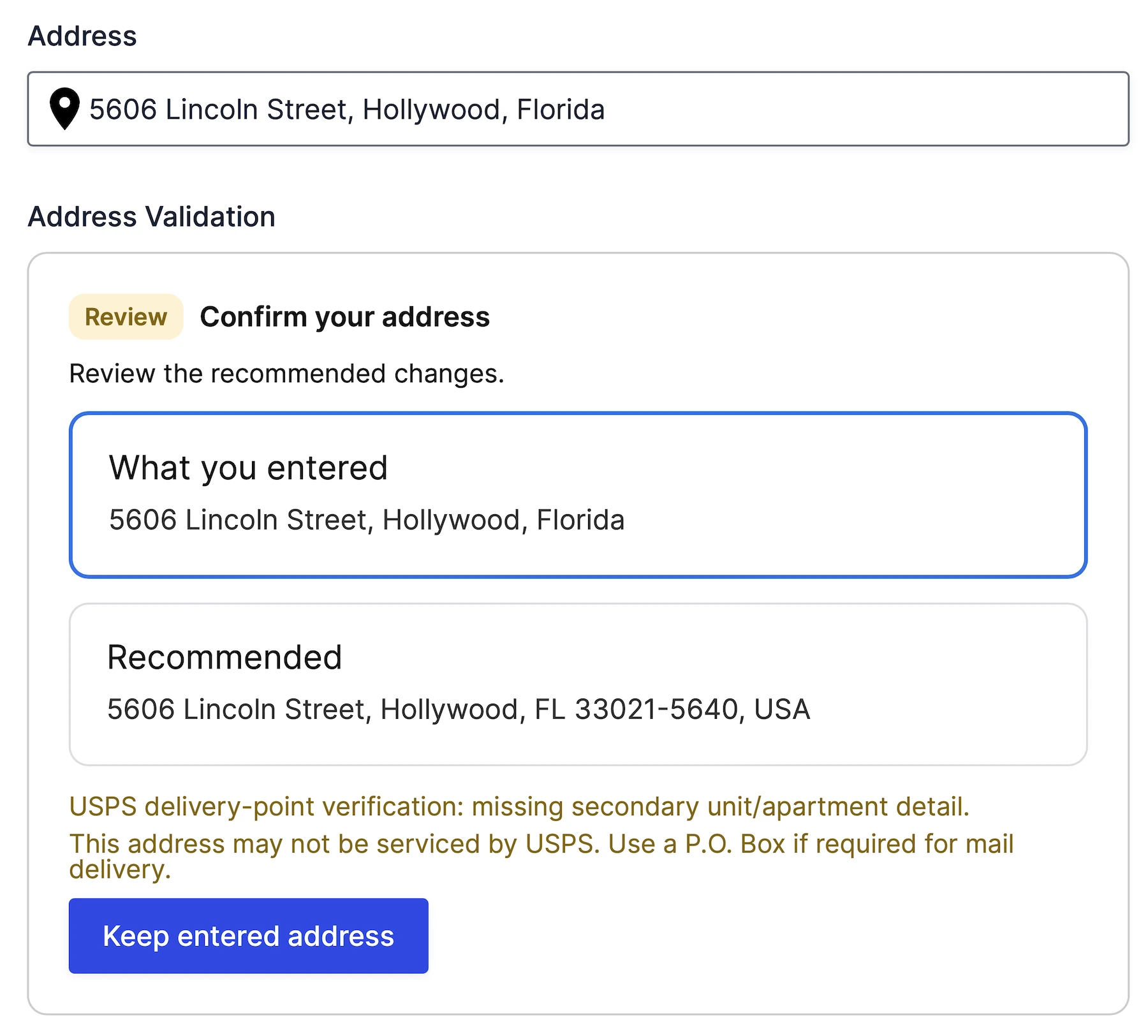
The new Address Validation field checks a Geocoder location, returns validation feedback, and can apply a standardized address suggestion to a connected field group.
Calculate Distance, Duration, and Routes
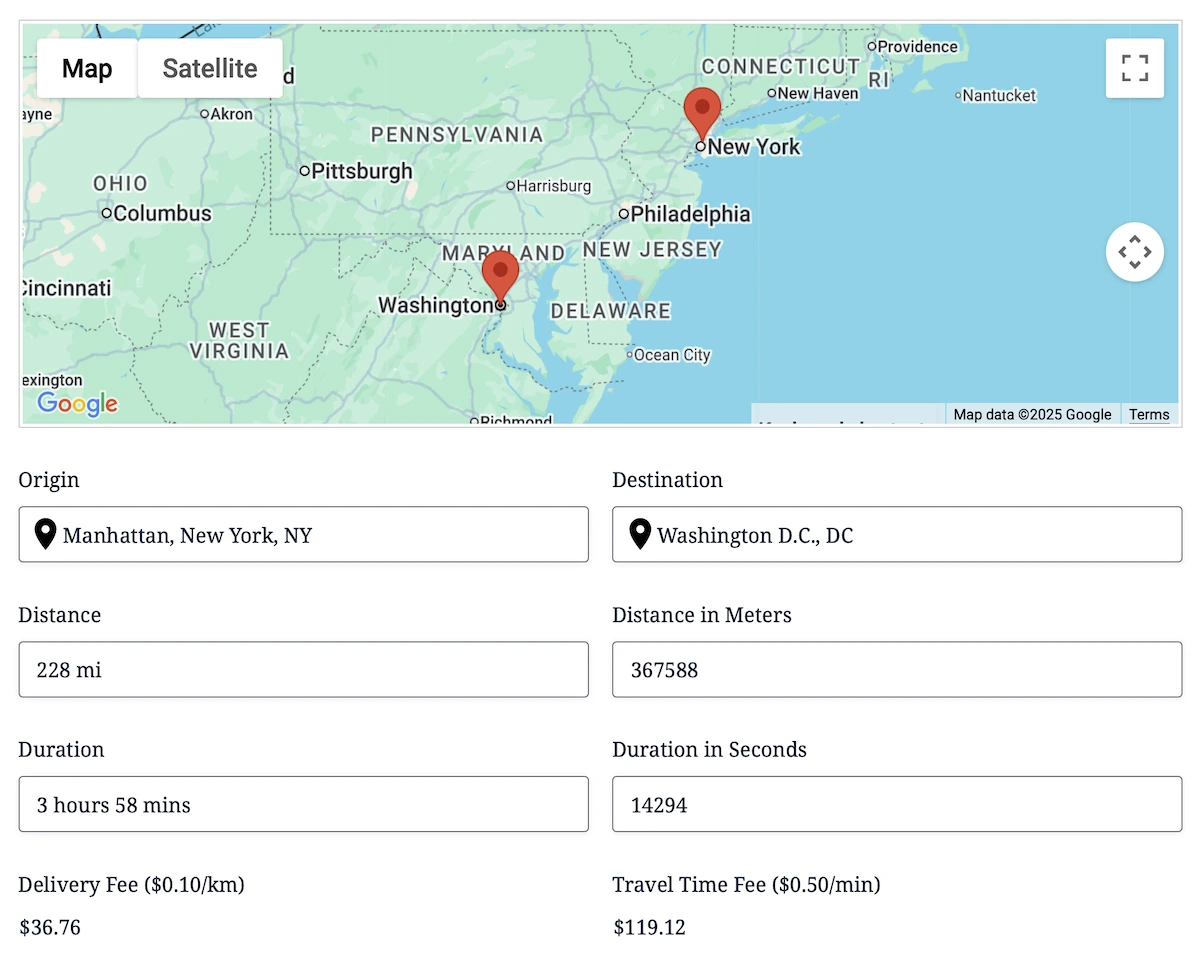
The Distance & Duration field provides route-based or straight-line calculations. The rebuilt Directions field adds optional waypoints, travel preferences, departure or arrival settings, route maps, and turn-by-turn instructions.
Find the Nearest Destination
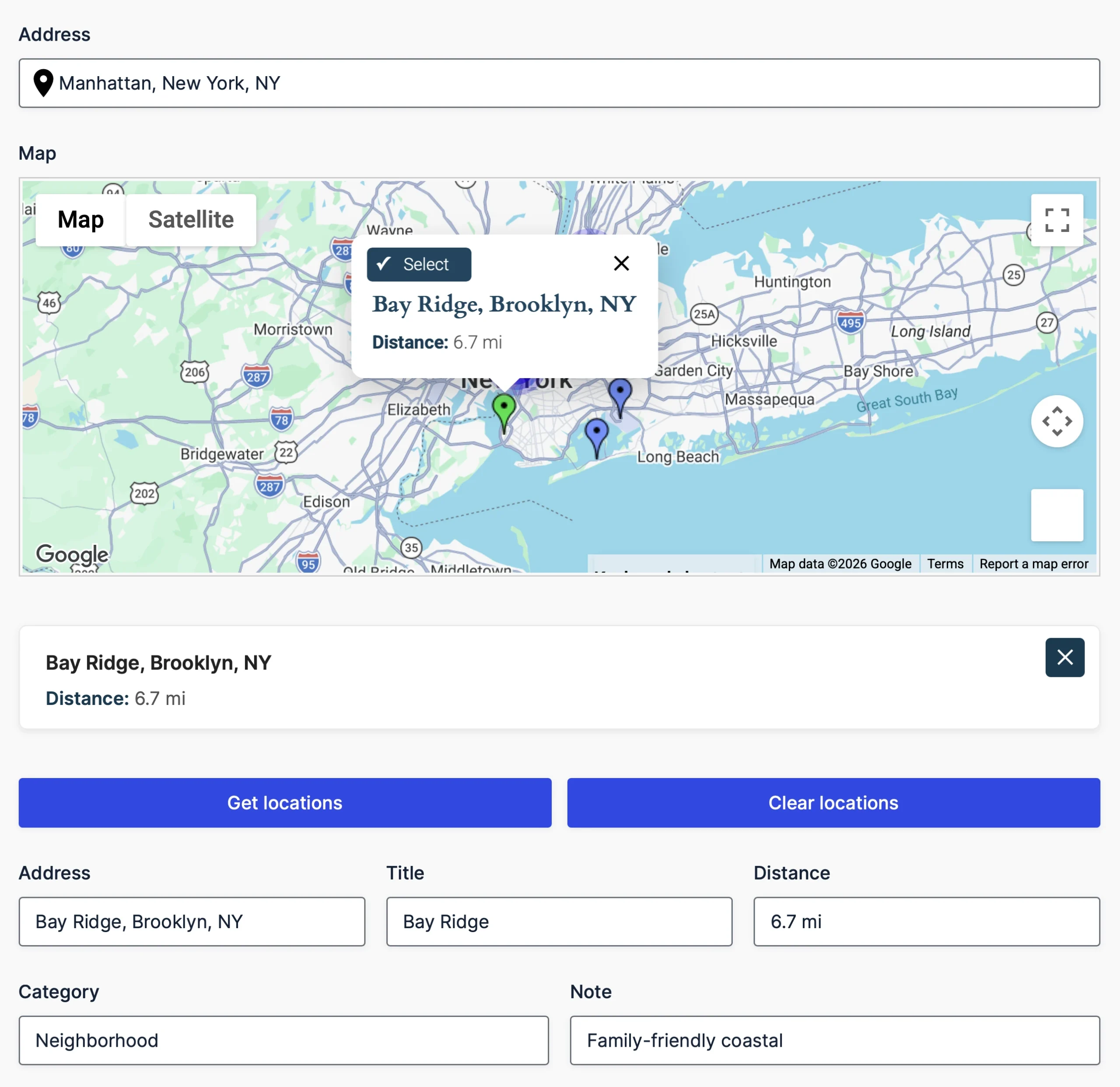
The Agency plan adds Nearest Locations workflows for comparing an origin with manually configured destinations or locations stored in a trusted database source. Results can be filtered by radius, shown on a map, displayed in a results panel, and copied into output Geocoder fields.
Draw Service Areas and Boundaries
Drawing Tools lets users add markers, lines, polygons, rectangles, circles, and freehand shapes to a map. The Drawing Shape field can preload configured shapes and control how visitors may interact with or edit them.

Map Saved Submissions
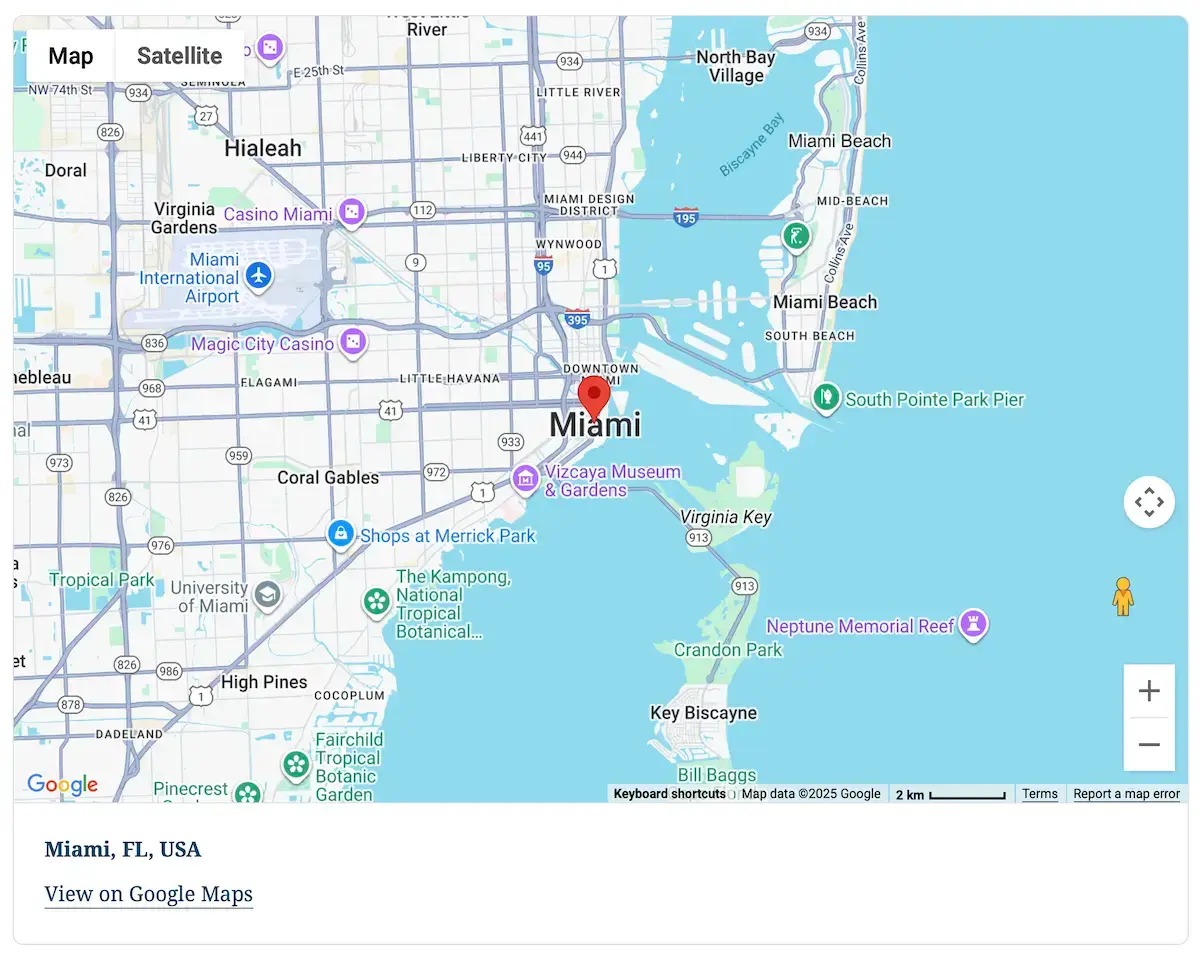
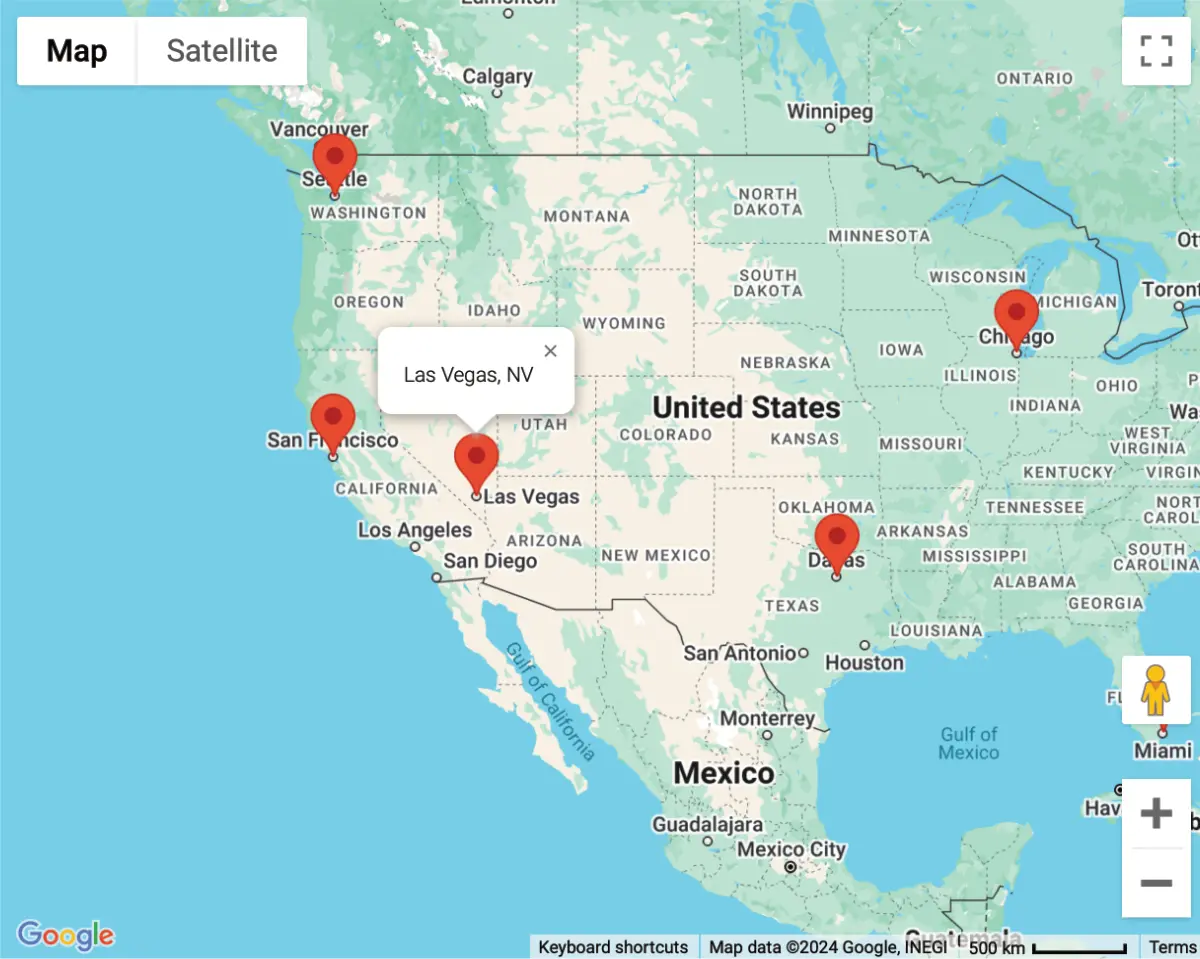
Pro and Agency include shortcodes for displaying an individual saved submission location or combining locations from multiple Ninja Forms submissions on a mashup map.
Starter, Pro, and Agency
- Starter — Core Location Collection: Geocoder, Address, Coordinates, Map, Locator, Reset, and dynamic location tools for one site.
- Pro — Advanced Routing & Mapping: Everything in Starter, plus Address Validation, Distance & Duration, Directions, Directions Panel, and submission maps for three sites.
- Agency — Complete Geolocation Suite: Everything in Pro, plus Nearest Locations and Drawing tools for twenty sites.
Existing Personal and Business customers will receive compatible Ninja Geolocation 3.5 builds that include the Pro feature set. No repurchase is required. Install the package listed in your account, and contact support if the expected download or license details are unclear.
Updated Google Maps Platform Requirements
Ninja Geolocation 3.5 uses separate, restricted Browser and Server API keys. Current autocomplete functionality uses Places API (New), while directions, travel distance, duration, and route-based calculations use Routes API.
Address validation requires Address Validation API, and static map output requires Maps Static API when those features are used.
Existing autocomplete and Directions fields may use limited temporary fallbacks when the current APIs are unavailable or blocked. These fallbacks do not support every Ninja Geolocation 3.5 feature and are not a substitute for enabling the current Google services.
Review the Google Maps API setup guide.
A Versioned Upgrade Path
Ninja Geolocation 3.5 includes an automatic, versioned migration for existing license settings, plugin settings, forms, actions, fields, and repeater fields. Existing Geocoder, Map, and Directions submission data remains readable without rewriting historical values.
Upgraded sites retain their previous marker behavior, while new installations use Advanced Markers by default. The Directions Panel is now a display-only field; saved route output comes from the Directions field.
Before You Update
- Create complete database and file backups.
- Test the update on a staging or development site.
- Enable the Google services required by your forms.
- Install the appropriate package from your account.
- Test existing forms, repeaters, submissions, and map shortcodes before updating your production site.
Read the complete Ninja Geolocation 3.5 upgrade guide.
Explore Ninja Geolocation 3.5
Have questions about upgrading or choosing the appropriate package? Contact support and we’ll be happy to help.