Geolocation Fields for Ninja Forms
Collect accurate addresses, map locations, coordinates, and user location directly in your Ninja Forms with powerful Google Maps integration.
Everything You Need to Collect Location Data
Collect precise location information using addresses, maps, coordinates, and user geolocation
Address Autocomplete
Interactive Maps
Coordinates
User Location
Built for Ninja Forms
Geolocation Fields integrate directly into the familiar Ninja Forms builder, allowing you to collect location information without changing your existing workflow.
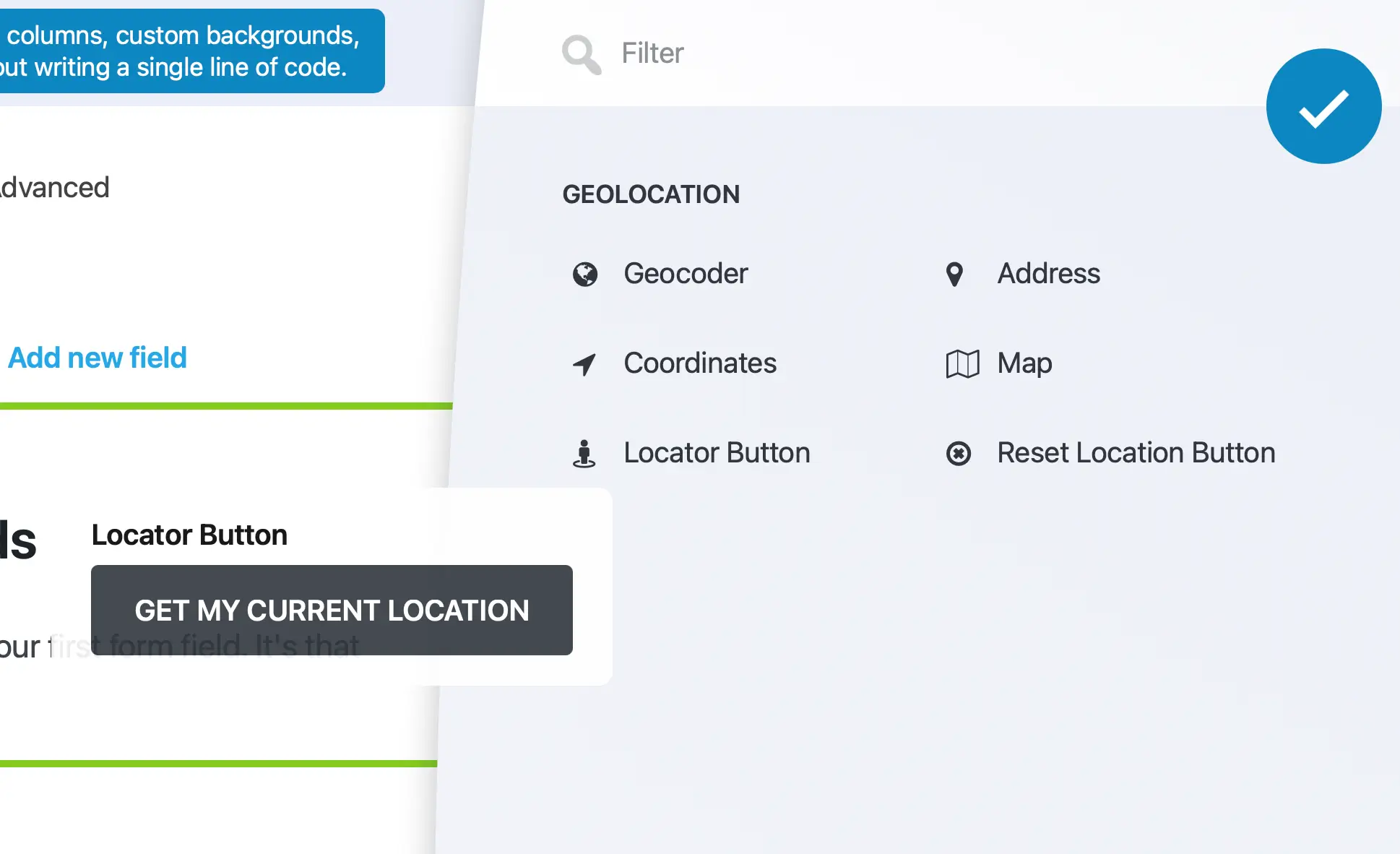
Native Ninja Forms Fields
Add, edit, and configure geolocation fields just like any other Ninja Forms field.
Drag & Drop Setup
Build location-aware forms without custom development.
Works with Ninja Forms Features
Works seamlessly with calculations, conditional logic, notifications, submissions, and Ninja Forms add-ons.
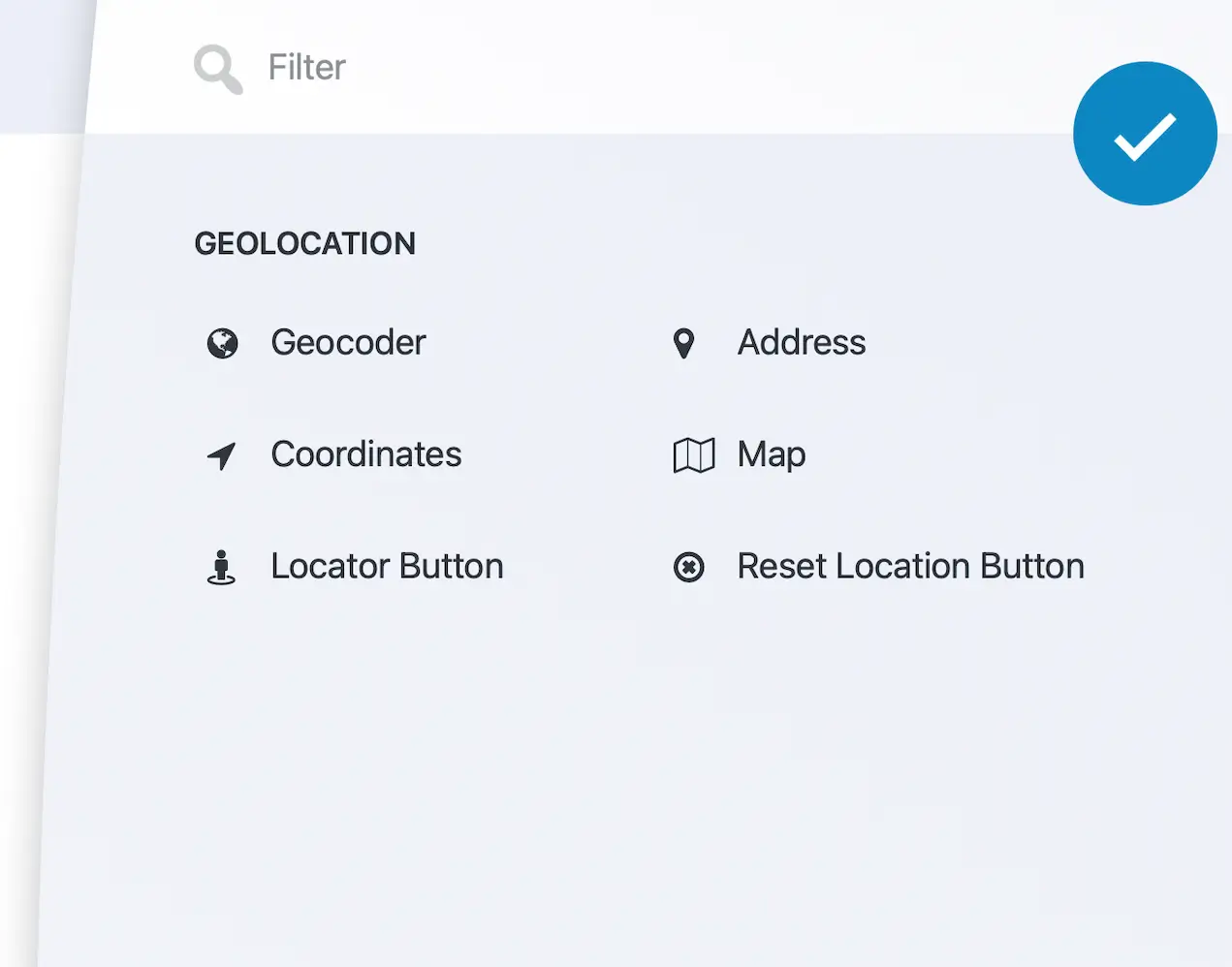
Complete Geolocation Toolkit
From addresses and maps to coordinates and user location detection, everything you need to collect accurate location data
Address Autocomplete
Autocomplete addresses using Google Places for faster and more accurate location input.
Geocoder Field
Automatically convert addresses into latitude, longitude, and structured location data.
Map Field
Let users select and refine locations directly on an interactive Google Map.
Coordinates Field
Capture latitude and longitude values.
Locator Button
Detect and populate the user’s current location with a single click.
Reset Location
Clear previously selected locations and start over instantly.
Build Smarter Forms with Location Data
Build simple location forms or advanced geolocation workflows using synchronized fields, maps, and dynamic location data
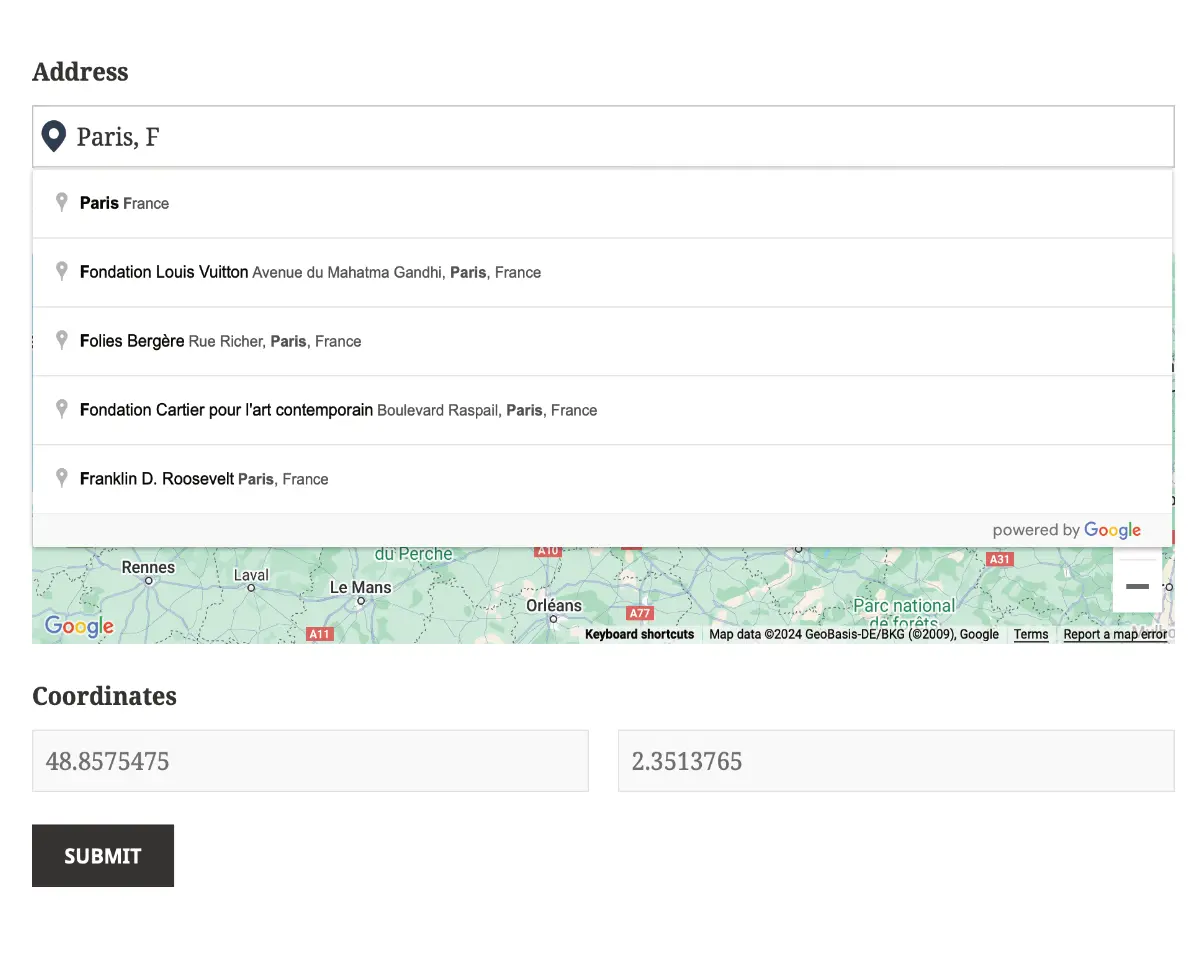
Single Location Forms
Collect a single address, map location, or coordinates.
Multiple Location Groups
Collect multiple independent locations within a single form.
Automatic Location Synchronization
Keep addresses, maps, coordinates, and geolocation data synchronized automatically.
Dynamic Location Data
Automatically populate hidden fields and workflows with location data.
Built for Real-World Use Cases
Use the same geolocation toolkit to power a wide range of location-aware forms and workflows
Store & Branch Locations
Collect addresses, coordinates, and map locations for stores, branches, dealers, and service points.
Property Listings
Collect property addresses, coordinates, and precise map locations.
Service Request Forms
Capture customer and service locations for scheduling and dispatch workflows.
Delivery Forms
Collect delivery addresses, destinations, and map locations accurately.
Travel & Booking
Collect pickup locations, destinations, and other location details.
Event Registration
Capture venue locations and attendee addresses within the same form.
Field Service
Collect customer and job-site locations for scheduling and technician assignment workflows.
Lead Qualification
Capture location data to support regional qualification and sales follow-up.
Job & Workforce Management
Collect job, employee, and work-site locations for location-aware operations.
Frequently Asked Questions
What are Geolocation Fields for Ninja Forms?
Geolocation Fields add Google Maps-powered location fields to Ninja Forms, allowing you to collect addresses, map locations, coordinates, and users’ current locations directly within your forms.
Can I use Google Maps address autocomplete?
Yes. The Address field integrates with Google Places Autocomplete, helping users enter accurate addresses faster while reducing typing errors.
Can users select locations directly on a map?
Yes. The Map field allows users to choose, move, and refine locations interactively using Google Maps.
Can I capture latitude and longitude coordinates?
Yes. Coordinates can be collected automatically from addresses or map selections, or entered directly using dedicated Coordinates fields.
Can I detect the user’s current location?
Yes. The Locator Button uses the browser’s Geolocation API to detect and populate the user’s current location with a single click (with the user’s permission).
Can I collect multiple locations in the same form?
Yes. You can capture multiple addresses, map locations, and coordinate sets within the same Ninja Form, making it ideal for workflows that require more than one location.
Does it work with Ninja Forms features?
Yes. Geolocation Fields work seamlessly with Ninja Forms calculations, conditional logic, notifications, submissions, and other supported Ninja Forms features.
Do I need a Google Maps API key?
Yes. A Google Maps Platform API key is required to enable geolocation features such as address autocomplete, maps, geocoding, and current location functionality.